
Video narration
Create narration for introductions, tutorials or social content.
AI VOICE GENERATOR
Turn text into AI speech for videos, ads, podcasts and training. Generate narration, listen and download files in HOTX AI.
Write content, choose a suitable voice profile and manage audio files in your creative workflow.
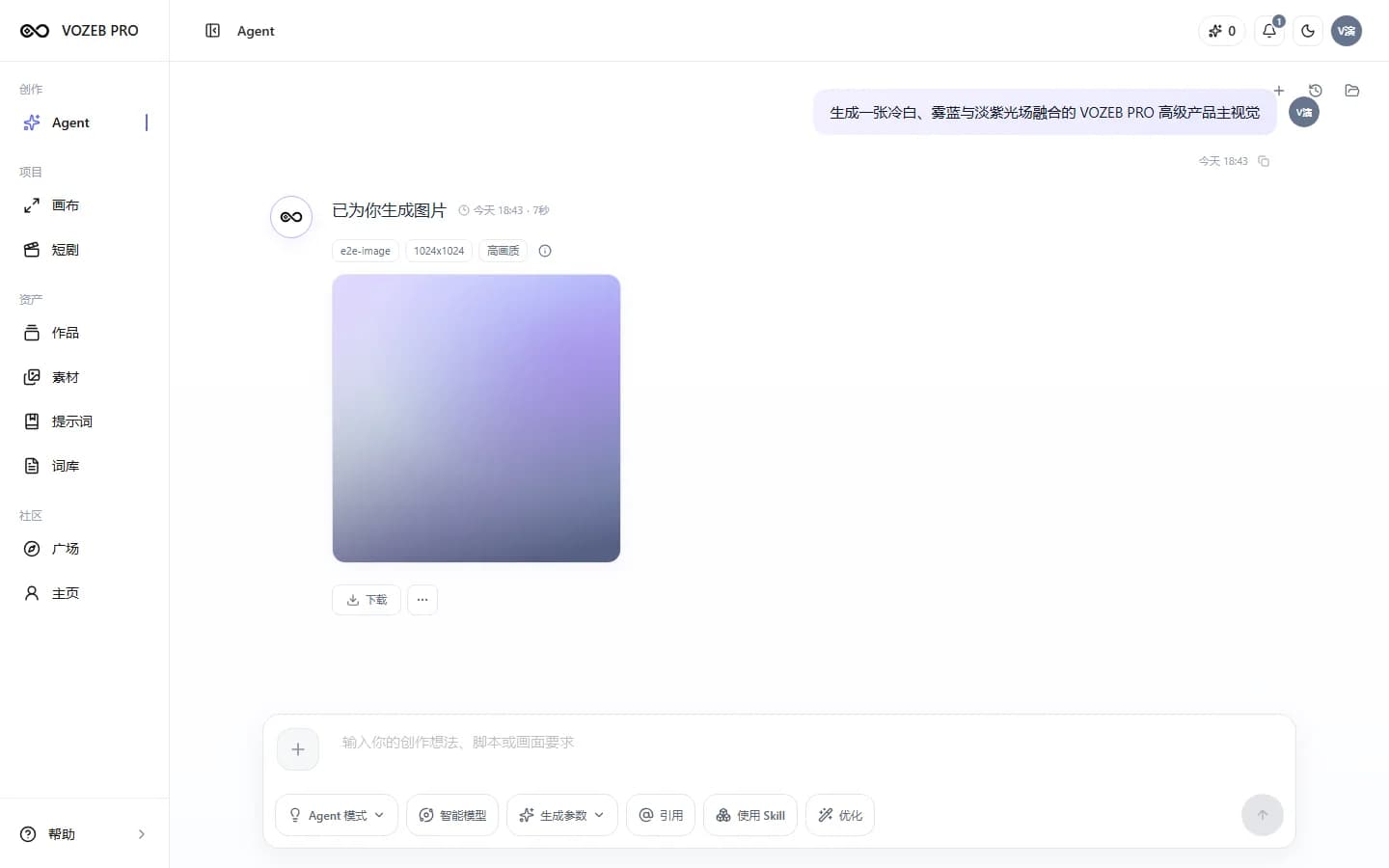
ACTUAL WORKSPACE
Focus on what you want to communicate, then choose a voice and format from supported options.
USE CASES
A shared workflow for marketing, education and communications.
Create narration for introductions, tutorials or social content.
Turn campaign messages into spoken drafts to explore pacing and delivery.
Create introductions, audio drafts or content from prepared scripts.
Create narration for instructions and internal learning materials.
HOW TO USE
Manage the script, voice and output in the same task.
Paste or write the text to read, including Vietnamese, and edit before sending.
Select an available voice profile or a custom voice you have permission to use.
Select an output from formats configured for the audio capability.
Preview completed results, download files or continue when the script needs changes.
AVAILABLE CAPABILITIES
Available voices and formats can change with configuration, so the interface shows usable options.
Turn scripts into audio tasks in a multimedia workspace.
Choose system voices or authorized custom voice profiles.
Choose a format supported by the model capabilities configured by the administrator.
Listen to ready results and download files for further editing.
FREQUENTLY ASKED QUESTIONS
Enter a Vietnamese script, then choose an available voice and format. The specific voice quality and output language depend on the voice profile and model used.
Yes. Completed audio results include a player so you can listen before downloading.
You can use your voice profile for audio tasks once processing has finished and you have permission to use the source sample.
The interface displays formats supported by the selected model. HOTX AI does not impose one fixed list across every configuration.
RELATED TOOLS
GET STARTED WITH HOTX AI
Enter Vietnamese content, then choose a voice and format supported in the workspace.