
Video advertising
Create shots for products, offers or campaign messages.
AI VIDEO GENERATOR
Create AI videos from text or images for advertising, TikTok and Reels. Explore image-to-video and text-to-video in HOTX AI.
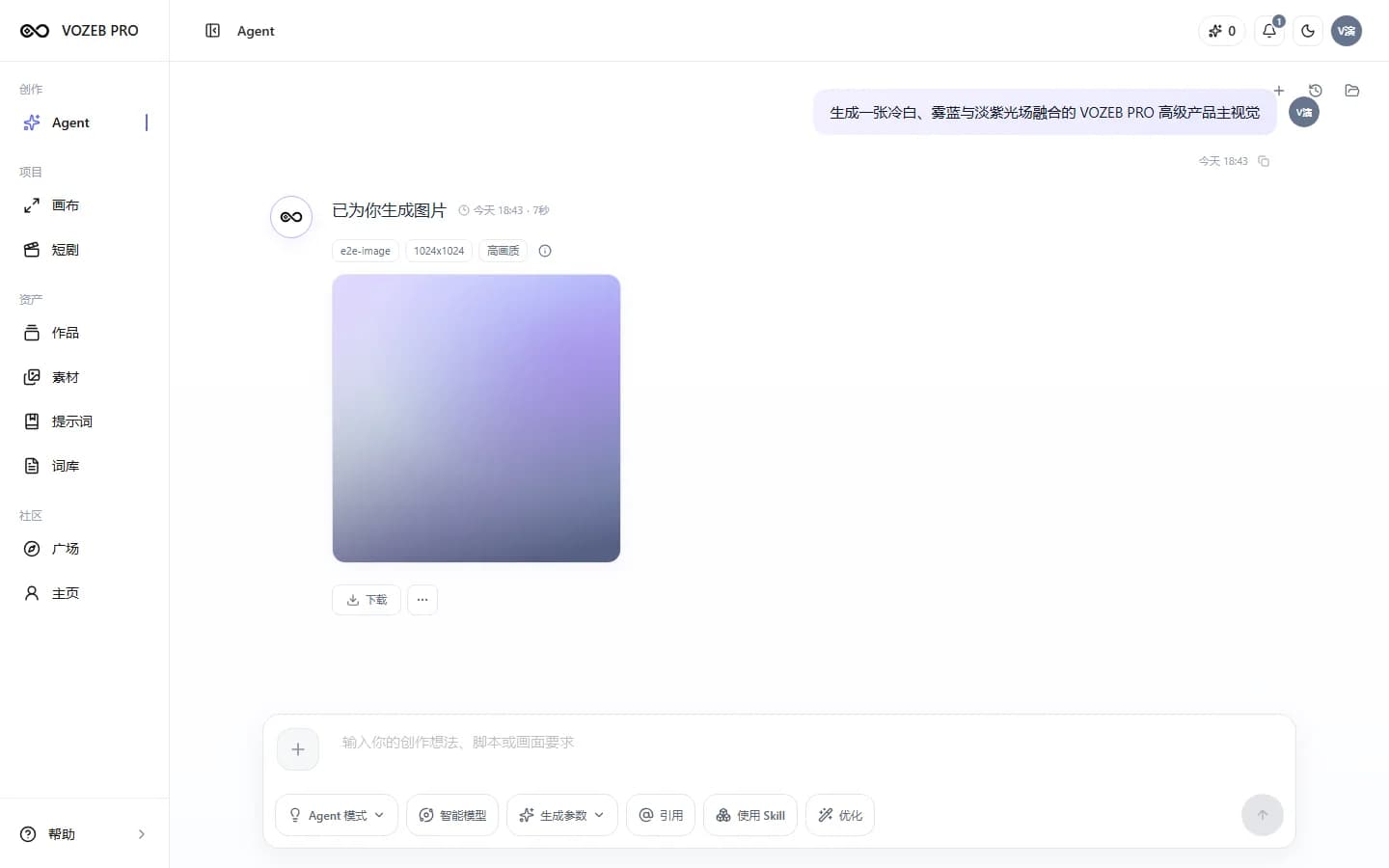
Organize ideas, reference images and video results in one creative workspace.
ACTUAL WORKSPACE
Start with a short brief, add frames, choose output preferences and continue working with the results.
USE CASES
Design tasks around your content team's actual distribution goals.
Create shots for products, offers or campaign messages.
Develop short motion clips using aspect ratios and durations supported by the model.
Use images you have permission to use as a starting point for motion or a scene.
Explore pacing, camera angles and progression before broader production.
HOW TO USE
Focus on the content and goal; the interface exposes only supported parameters.
Specify the subject, action, camera angle, mood and intended publishing channel.
Use text, ordinary images, a first frame or first and last frames when the corresponding capability is available.
Choose aspect ratio, resolution and duration from the model's configured values.
Check status, play completed videos, download or retry failed tasks.
AVAILABLE CAPABILITIES
HOTX AI does not promise one fixed resolution or duration for every model.
Create a video task from a written description of motion and context.
Use reference images when the selected model supports this method.
Assign explicit image roles when controlling the start and end of a shot.
Filter specific options through the model's public capability profile.
FREQUENTLY ASKED QUESTIONS
Text-to-video begins with a shot description; image-to-video uses an image you have permission to use as a reference. Both options appear only when a compatible model is available.
It can when the model supports them. You must explicitly assign each image's role and use different images for the two positions.
Choose an aspect ratio supported by the active model. If this capability has not been configured, the interface keeps the automatic option.
Failed tasks can be retried within the original record and conversation, preserving the working context.
RELATED TOOLS
GET STARTED WITH HOTX AI
Describe a shot or start with an image; HOTX AI opens options that match the available capabilities.