
Product images
Explore settings, lighting and product presentation for a store or campaign.
AI IMAGE GENERATOR
Create AI images online from Vietnamese descriptions or reference images. Make product images, advertising visuals and creative content in the HOTX AI workspace.
For creators, marketing teams and shops exploring different visual directions in one workflow.
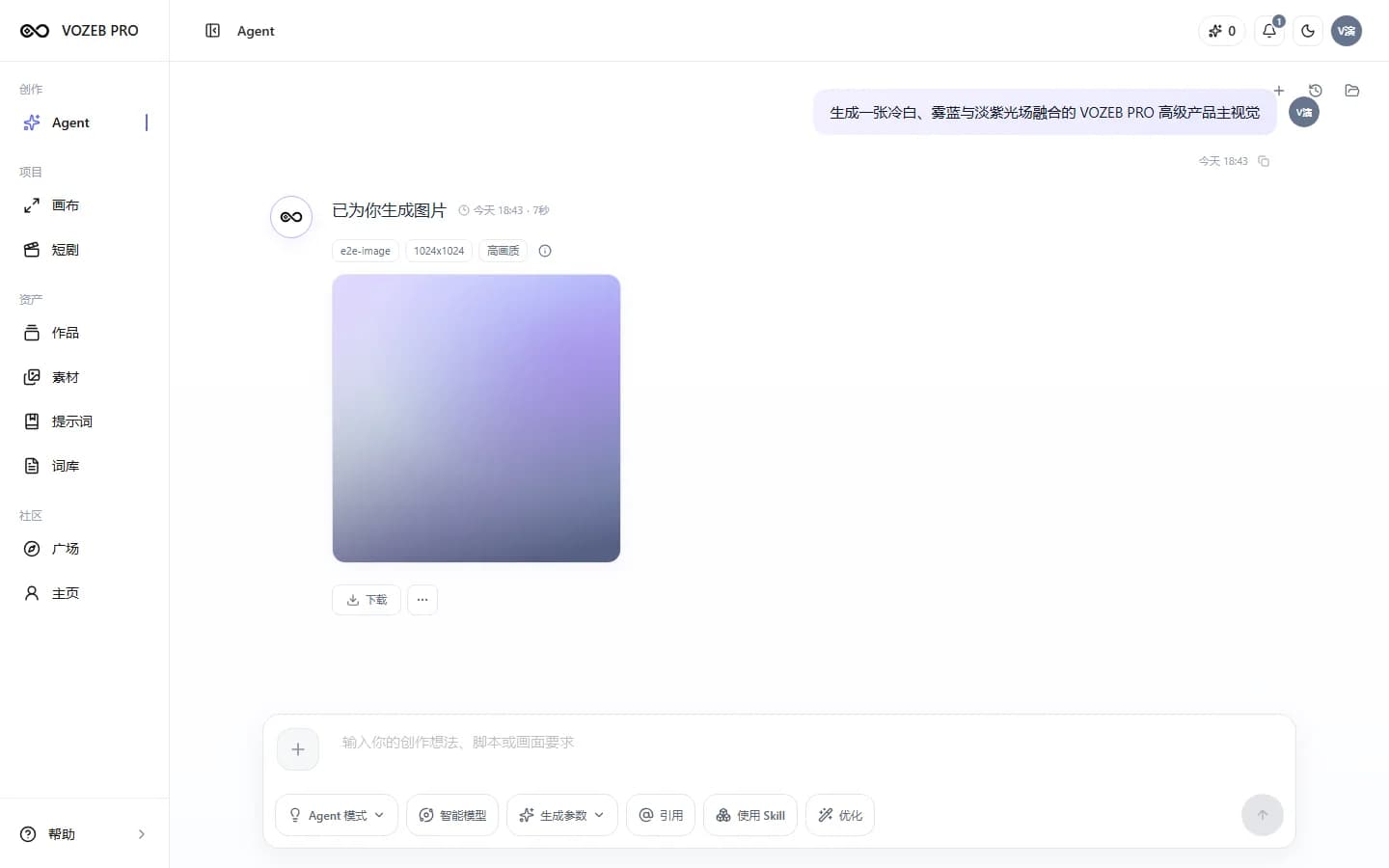
ACTUAL WORKSPACE
Describe your goal, add reference images when needed and follow the results in the same creative conversation.
USE CASES
Start with the intended use instead of guessing which model or technical settings to choose.
Explore settings, lighting and product presentation for a store or campaign.
Create visual concepts around each channel's message, audience and format.
Develop a visual direction for landing pages, banners and launches.
Turn ideas, articles or scripts into more consistent illustrations.
HOW TO USE
You provide the goal; HOTX AI helps organize the rest of the task.
Describe the subject, setting, style and where you intend to use the image.
Attach images you have permission to use to guide composition, products or visual direction.
Select an aspect ratio and quality supported by the available model's capabilities.
View results, download, reference them again or continue the same conversation.
AVAILABLE CAPABILITIES
Available options depend on the active model's capability profile, rather than fixed advertised specifications.
Accept Vietnamese briefs and turn them into structured image requests.
Incorporate the images you provide when a compatible model supports them.
Show only options compatible with the configured capabilities.
Save results by conversation to continue, download or retry after a failure.
FREQUENTLY ASKED QUESTIONS
Describe the subject, setting and intended use in Vietnamese. HOTX AI helps plan the task, choose a workflow and open compatible options before generating.
Yes, if you have permission to use it. Image-to-image support and reference handling depend on the model available at generation time.
You do not have to choose one yourself. Planning can suggest compatible models and parameters; you can also use the options shown in the interface.
Completed results offer a download action and can be referenced to continue a task in HOTX AI.
RELATED TOOLS
GET STARTED WITH HOTX AI
Start with a Vietnamese description; add references and compatible preferences in the workspace.